Copying a sheet from one workbook into another.
Sheets of a workbook can be moved or copied into another open workbook or a new workbook without needing to copy over all the data within the spreadsheet.
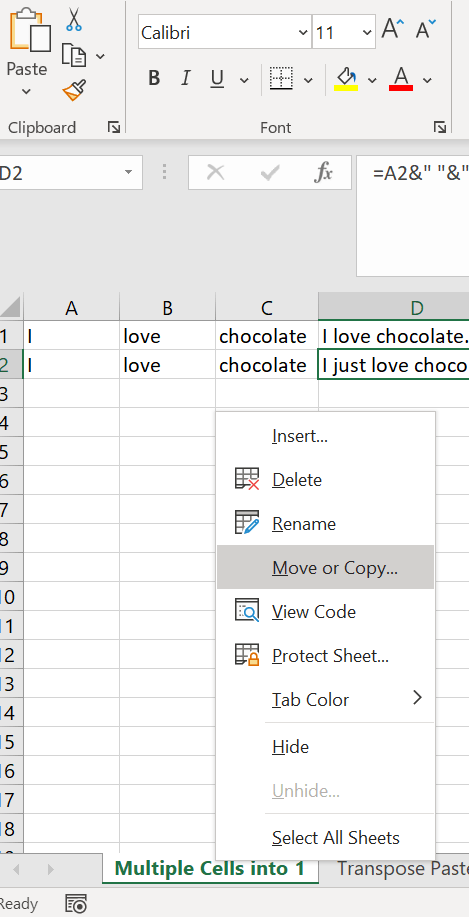
First go to the bottom of your workbook to the sheet you would like to move or copy and right click. Select the “Move or Copy…” option as shown in the photo.
You will see a list of all the Sheets in that workbook but if you select the drop down next to the name of your workbook you will see all open workbooks as well as a (new book) option. I attached a screenshot to explain.
Select the workbook you would like to move that sheet into whether it be a new one or another open one. Then decide if you would like to move the sheet entirely or if you would like to create a copy (you create a copy by checking the box) of that sheet into the other location. Then simply select OK.


 DiG with Data